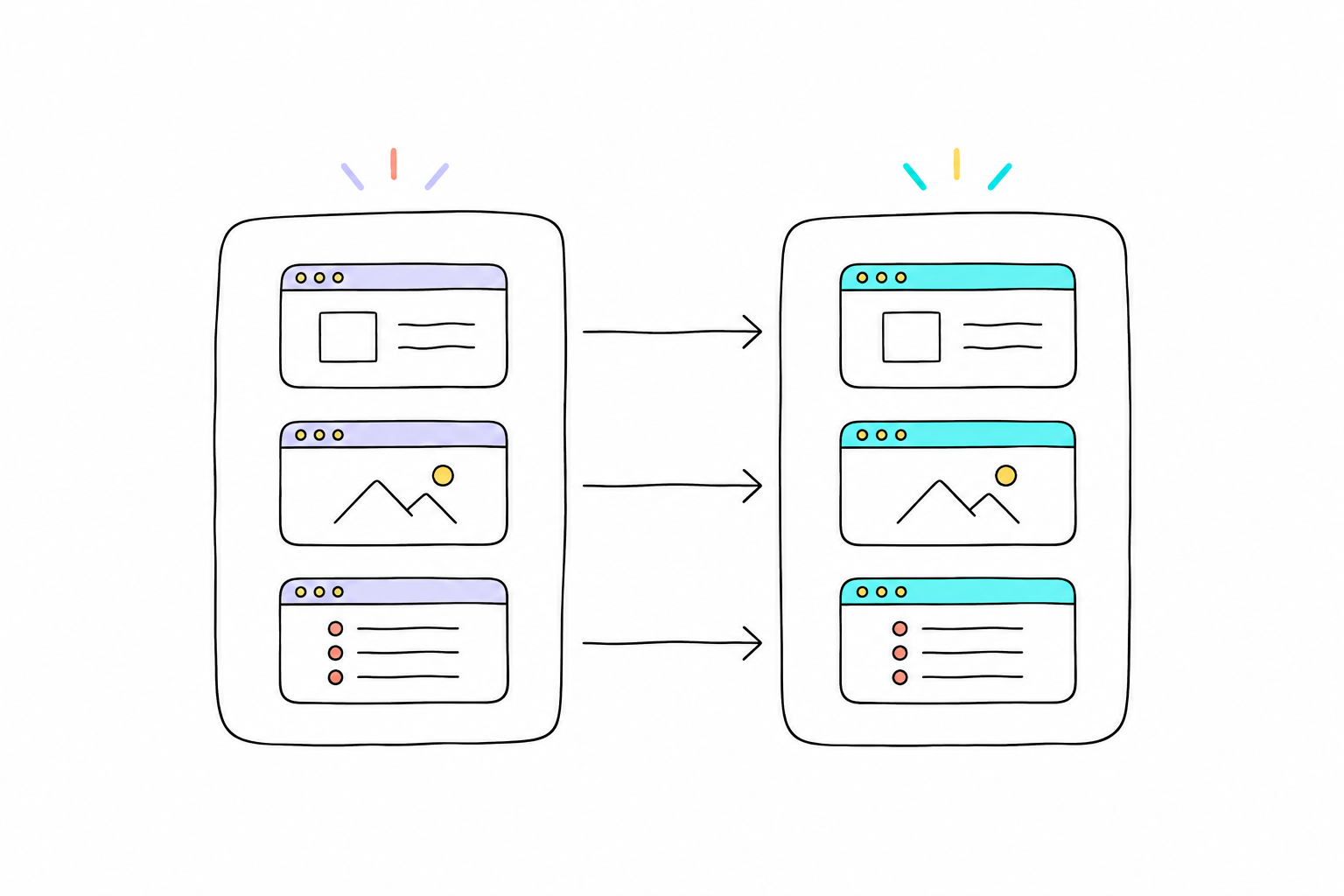
A redesign often changes the URL of several pages, while a new domain name changes the URL of every page. When a page’s old URL shows an error, Google ends up removing the page from its results, and visitors who arrive through an old link hit a dead end.
In the cases SEO professionals report, drops in visits after a redesign come mostly from old URLs that no longer lead to the right content. More rarely, the problem comes from translated pages that Google can no longer reach, or from the past uses of the new domain. Check these three causes in this order, because the first is the most common and you can fix it in a few days.
Recognize a migration that cost you visits
In the Google Search Console Performance report, clicks fall in the days after the new website goes live. At the same time, the Page indexing report shows new 404 errors (the code of a page not found) and pages filed as “Soft 404”. That’s how Google files a page that loads without an error but looks like an error page, an empty one for example1.
You’ll recognize a rarer cause by two other signs. In Search Console, URL inspection shows a page in your main language served in another language. Likewise, the translated version may stay out of the index. A website launched on a second-hand domain name can also appear in Bing but not in Google, even on its own name.
Check the old URLs that used to get visits
Find the pages that brought in visits and links
In the Performance report, choose a period before the redesign and sort the pages by number of clicks. Google also advises listing, with the Search Console Links report, the pages that get links from other websites or many internal links2.
Some old URLs no longer appear in the sitemap, the file that lists a website’s pages for search engines, while other websites still cite them. Plan redirects for them too, as for the pages in the menu. Each of these links can bring you visitors and help your website’s SEO.
Test each old URL in the browser
Type each of these old URLs into your browser. Check that each one leads to the page that carries its content. An error, an empty page or a redirect to the homepage can point to a problem.
Compare the old and new template of each type of page (product page, article or category). Text or links missing from a template are missing from all its pages, so a single oversight can affect hundreds of pages.
If every old URL leads to its replacement and the templates keep their text, move on to the language versions.
Check access to the pages in each language
Open URL inspection on a page in your main language, then on its translation. For each one, run “Test live URL” to see the page as Googlebot receives it3. When the page shows in another language, first look for an automatic redirect based on the browser’s language or the visitor’s country.
Googlebot crawls mostly from US IP addresses and states no preferred language. A language-based redirect may therefore always serve it the same version, so the others are never crawled4. A caching plugin can have the same effect when it stores a single version of the page and shows it to every visitor.
Two settings cause problems on multilingual stores. A translated page sometimes names the original version as its canonical URL (the URL Google shows when a page exists at several URLs), so Google may leave out the translation. Hreflang tags, which connect the versions of the same page, are ignored when two pages don’t cite each other5.
For example, a vacation rental leaves its booking platform for a new website on the same domain. The old website kept Spanish and French in /es/ and /fr/; the new one redirects both languages to the same pages: visits from Google fall by half.
If each language has its own URL and Google reads it in the right language, move on to the domain name.
Check the past of the new domain name
A second-hand domain name may have been used by another website, sometimes for spam. Look at its old versions in the web archive (web.archive.org). Also look for the websites that link to it, because their topic and language tell you about its past use.
Open the “Manual actions” section of Search Console. A manual action is a penalty Google reports there, with its reason and how much of the website it affects, all or part6.
If the domain has no dubious past and the website appears in Google, the drop has another cause: “Why is my traffic from Google dropping?” goes over the other leads.
Redirect each old page to its closest replacement
Add a permanent redirect (301 code) from each old URL to the page that carries its content. Visitors and Google will then find the right page. Google states that such a redirect costs the page none of its importance. It advises keeping it for at least a year2.
When no page covers the topic, choose the closest one, such as the category of a discontinued product. Point each redirect to its final destination, with no intermediate step, then fix the links in the menu and in your texts so they lead straight to the new URL2.

Put back online a deleted page that brought in visits
During a redesign, pages thought to be outdated sometimes get removed while they were still getting visits from Google. Republish such a page at its old URL. Failing that, redirect that URL to a page on the same topic to win back some of the searches it appeared on.
If the page no longer has a reason to exist, read “How do I delete a page or a product without hurting my SEO?“. You’ll find there the criteria for choosing between a redirect and a deletion with a 404 or 410 code.
Give each language its own URL again
Remove the automatic redirect and suggest the right language with a banner the visitor accepts or closes. Google advises against redirecting visitors based on what you think you know about them, and recommends links to the other versions of the page7.
Add to each version the hreflang tags that point to all the other versions and to itself5. Each translation names its own URL as its canonical URL, in its own language8.
For a multilingual store, we advise looking for links from websites in each country to the version in their language. A link from a German website to your /de/ pages can help the German version rank in Germany, though no study measures it.
Wait several weeks without redoing everything
Google warns that a website’s rankings can fluctuate during a change of address, even if its redirects are correct. For a medium-sized website, it says it takes a few weeks or more before the new URLs replace the old ones in its results2. During that time, don’t change anything else, or you won’t know which change moved your pages.
Google adds that redesigning the content during a domain change may cost you visits9. For example, three travel blogs, one per language, are merged onto a new domain with shortened URLs. Five weeks later, their pages are indexed but appear on no search. These three changes made at the same time make it impossible to tell which one caused the problem.
Change your domain name at the right time
After a change of brand or business, you sometimes need a new address. Before deciding, list what the website would lose during the transition: its visits from Google, the links other websites point to it and the searches it appears on. Also check the past of the new domain.
Change domains early, while the website gets few visits, because there is less to lose during the weeks Google takes to replace the old URLs. A young store that changes its brand, for example, is better off changing its domain at the same time.
Redirect each page of the old domain to its new URL, homepage included, then declare the move with the Change of Address tool, in the settings of the old Search Console property2. Both properties must belong to you, under the same Google account. For 180 days, Google focuses its crawling on the new website9.
This tool doesn’t move any subdomain and isn’t suited to moving pages within the same domain. Google advises keeping the redirects for at least 180 days, longer if its results still send visitors to the old domain. Keep the old domain for at least a year, as it recommends9. Expect a few weeks of decline, while Google replaces the old URLs with the new ones2.
Clean up a domain with a troubled past or change it
If the domain is under a manual action, remove the pages or links concerned. Then request a review, describing the problem, the steps taken and their results6. We advise stating in the request that you bought the domain after the events. “What should I do when Google has penalized my website?” details the process.
Changing domains to escape a troubled past is the riskiest solution. Practitioners find that a redirect, cross-pointing canonical URLs or the same texts are enough for Google to connect the two domains. Google may then treat the new domain like the old one. Without a redirect, you also lose all the links and history of the old domain.
For example, a website launched on a domain bought without checking its history appears in Bing and not in Google. Its owner starts over on a new domain with no redirect, with the same articles. The website disappears after three days. The new domain’s Search Console reports canonical URLs that point to the old one.
Prepare your next redesign before it goes live
You can avoid most of these losses before launch. As Google asks, first map each old URL to its new URL. On launch day, you need to remove the noindex tag that hid the test website from search engines2.
- List the pages that bring in visits, inquiries and links, including old URLs missing from the sitemap but cited by other websites (Links report).
- Keep the full list of the old website’s URLs, gathered by a program that goes through the website like a robot.
- Write the new URL of each old page in a spreadsheet.
- Check that the test website’s noindex tag is gone from the new website. Go back over robots.txt and the sitemap.
- On launch day, send a real contact request or place an order.
- Inspect a few pages of each template in Search Console. Submit two sitemaps, one with the old URLs and one with the new ones, to follow the switch from one to the other2.
Guide chapters to read next
- Fix technical SEO problems: 404 and 410 errors, redirects and canonical URLs.
- Optimize a multilingual website for Google: one URL per language and hreflang tags.
- Get your website indexed by Google: URL inspection and the Page indexing report.
- Read your Search Console numbers correctly: comparing two periods.
- Maintain your SEO: the change log.
- Why is my traffic from Google dropping?
- How do I delete a page or a product without hurting my SEO?
- What should I do when Google has penalized my website?
- Why isn’t my website showing up on Google?
Sources
- ↑ Google, “Page indexing report“, Search Console Help, accessed November 16, 2026.
- ↑ Google, “Site moves with URL changes“, Google Search Central, accessed November 16, 2026.
- ↑ Google, “URL Inspection tool“, Search Console Help, accessed November 16, 2026.
- ↑ Google, “How Google crawls locale-adaptive pages“, Google Search Central, accessed November 16, 2026.
- ↑ Google, “Tell Google about localized versions of your page“, Google Search Central, accessed November 16, 2026.
- ↑ Google, “Manual Actions report“, Search Console Help, sections “Unnatural links to your site” and reconsideration request, accessed November 16, 2026.
- ↑ Google, “Managing multi-regional and multilingual sites“, Google Search Central, accessed November 16, 2026.
- ↑ Google, “How to specify a canonical URL with rel=”canonical” and other methods“, Google Search Central, accessed November 16, 2026.
- ↑ Google, “Change of Address tool“, Search Console Help, accessed November 17, 2026.