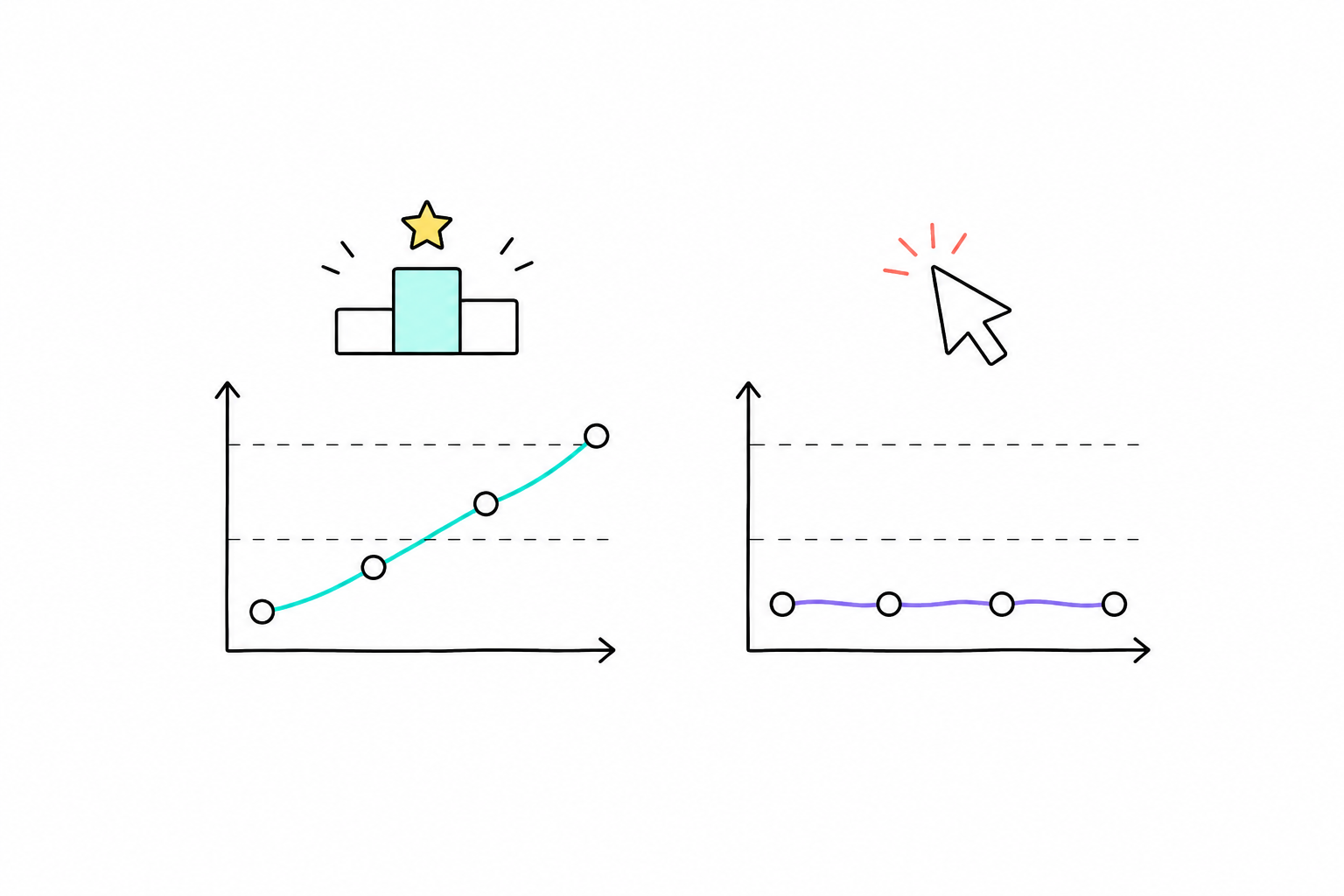
Your rank tracker shows green arrows every week, while your visits and customer inquiries stay flat. The tool does measure a rise in rankings. But the searches involved are rare, the results get few clicks, or people are looking for information without meaning to buy.
To understand this lack of visits, check how often the searches are typed, whether you are on the first page and which boxes show above your link. When visits come in without inquiries, look for the cause in the searches that bring the visitors, in what they read before writing, or in the form.
Recognize gains that bring in nothing
Two situations can come up. In the first, the rank tracker shows your rankings rising on some searches while the number of visits from Google doesn’t change. In the second, a well-ranked page gets regular visits but generates very few calls or form inquiries.
A rank tracker records the position of your pages from a chosen location and device. Yet Google adapts its results to each person’s location, past searches and settings1. Google’s spam policies also forbid sending automated queries to its search engine2, which is what these tools do. Follow their trend all the same, as long as you check it against Google Search Console, Google’s free tool that counts your website’s impressions and clicks.
Check the impressions of the searches where you are rising
In the Search Console Performance report, open the “Queries” tab. Find the searches on which your tool shows progress. An impression is the display of a link to your website on a results page. Google only records a position for a search where the website received an impression3.
A search with no impressions is rarely typed, unless your page is too far down for people to reach your link. Google also hides searches that are too rare from the table. If your tool puts the page on the first page and the search has few impressions, it is rarely typed: go to “Target searches that get impressions”. If the tool puts it further down, check at what position your pages are rising.
Check at what position your pages are rising
Moving from the fifth to the second page of results makes a nice curve, with hardly any more clicks. In the United States, in July 2026, the first desktop result got 20% of clicks on average and the second 10%. The rate falls below 1% from sixth place. The measurement stops at tenth place, at 0.6% of clicks4. As long as a page sits beyond tenth place, its gains bring almost no clicks.
The website’s average position can mislead you. Google calculates it from the website’s best position on each search where it appears3. A website ranked first on its name and sixtieth on another search shows an average that matches neither of these two positions.
If your pages are rising outside the first page, read “How do I move a page from Google’s second page to the first?“. If they are on the first page with no clicks, look at what shows above them.
Look at what shows above your page
Type each search in a private browsing window and note what comes before your link. It may be ads, a map, videos, the “People also ask” list or an AI Overview, the summary Google’s AI writes at the top of the results. According to the same US measurement, the first result gets only 9.7% of clicks when an AI Overview shows4.

Take a page that has held first position for three months on a search shown 3,000 times a month. It gets only two clicks. Google only shows it as a thumbnail in an image block, below ads and boxes where people find their answer.
The generative AI report in Search Console counts your pages’ impressions in AI Overviews, without their clicks: it shows which pages Google cites in these summaries5. If nothing shows above your link, look at how Google presents your page.
Compare the impressions and clicks of each page
For Google, stable impressions and falling clicks can come from a less appealing title or description. A competitor’s rich result, more visible than yours, can have the same effect6. Compare the title Google shows with your page’s title. Google sometimes generates it from other text on the page, such as the main heading or link text7.
If impressions rise without clicks, rework the title. If clicks rise without inquiries, read the searches that bring these visitors.
Read the searches that bring the visitors
In the report, select the page that gets visits without generating inquiries. Then look at the searches behind these visits. A search starting with “comparison” or “how to” comes mostly from people gathering information before they choose. On the other hand, “price”, “quote”, “best” followed by a trade, or the name of a city point rather to a customer who has made up their mind.
If visitors come mainly to find information, add a link to your offer so they can look at it before contacting you. If they come intending to choose a provider, check the information shown before the form.
Look at what the visitor sees before writing
Open the page on a phone, as a customer would. Before writing, they look for the price or a price range, the lead time, the area you cover and proof that you are reliable, such as photos of your work or reviews. Check the path to the contact page: how many scrolls and clicks stand between the visitor and the form?
If this information is missing, add it before any other change. If it is there, test the form.
Send a test inquiry yourself
From your phone, send an inquiry through the website’s form and check that it reaches your inbox, outside the spam folder. A broken form easily goes unnoticed, because visits keep coming in. If the inquiry doesn’t arrive, have the form repaired before trying anything else.
Measure your progress in clicks rather than rankings
The safest solution doesn’t touch the website. Track Search Console clicks every month on the searches that don’t include the business’s name. Also count the customer inquiries these visits bring in. Limit rank tracking to a few searches typical of your customers.
If the form only exists on the contact page, your analytics credit every inquiry to that page. Your service pages then look useless, even when they bring in the customers. The chapter “Measure your SEO results” shows how to take stock every quarter.
Target searches that get impressions
A search nobody types doesn’t justify a page. Choose your searches among those that get impressions in Search Console or that Google suggests when you type the start of the phrase. The chapter “Choose the keywords for your website” describes how to spot the ones your customers use.
Rewrite the title of pages people see without clicking
If impressions rise without clicks, rewrite the title with the words of the search. Readers need to understand what they will find on the page. The chapter “Choose the title and description of your pages” explains how Google picks the title it shows. Note the date of the change and compare the click-through rate a few weeks later.
Win customers when AI Overviews cut clicks
On a search where the AI Overview gives the answer, even first place gets only about one click in ten4: gaining a place won’t make up for the lost clicks. Work instead on the searches where the reader decides, such as prices and quotes. Add to your informational pages what a summary doesn’t show, such as a customer case, a price table or a way to reach you.
Get more inquiries from the visitors who already come
Place on each service page a form that records the URL of the page the visitor writes from. You’ll see which pages bring in customers. The visitor will no longer have to look for the contact page.
Link your informational pages to the offer page, with a link whose text names the service, so that readers gathering information find your offer. Show prices, lead times and the area you cover near the form, to answer the customer’s questions before they get in touch.
Finally, ask a few customers what made them decide to write to you. You’ll know what information to highlight on your other pages.
Guide chapters to read next
- Measure your SEO results: inquiries before rankings, and the limits of rank trackers.
- Read your Search Console numbers correctly: average position and benchmark click-through rates.
- Choose the title and description of your pages: the title Google shows.
- Choose the keywords for your website: the searches your customers type.
- SEO and Google’s AI: the clicks lost under an AI Overview.
- Build an SEO strategy: the value of an inquiry and the choice of searches.
- Design a contact form: the useful fields and the test submission.
- The page How do I move a page from Google’s second page to the first?, for a page stuck between 11th and 20th place.
- The page Why is my traffic from Google dropping?, when clicks are falling.
Sources
- ↑ Google, “Ranking results“, How Search Works, accessed November 12, 2026.
- ↑ Google, “Spam policies for Google web search“, Google Search Central, section on machine-generated traffic, accessed November 17, 2026.
- ↑ Google, “What are impressions, position, and clicks?“, Search Console Help, section on position, accessed November 16, 2026.
- ↑ Advanced Web Ranking, “Google Organic CTR History“, data for July 2026, Google United States, desktop, more than 1.75 million results pages per month, accessed November 16, 2026.
- ↑ Google, “Generative AI performance report (Search)“, Search Console Help, accessed November 16, 2026.
- ↑ Google, “Debugging drops in Google Search traffic“, Google Search Central, accessed November 17, 2026.
- ↑ Google, “Influencing your title links in search results“, Google Search Central, updated November 10, 2026, accessed November 12, 2026.