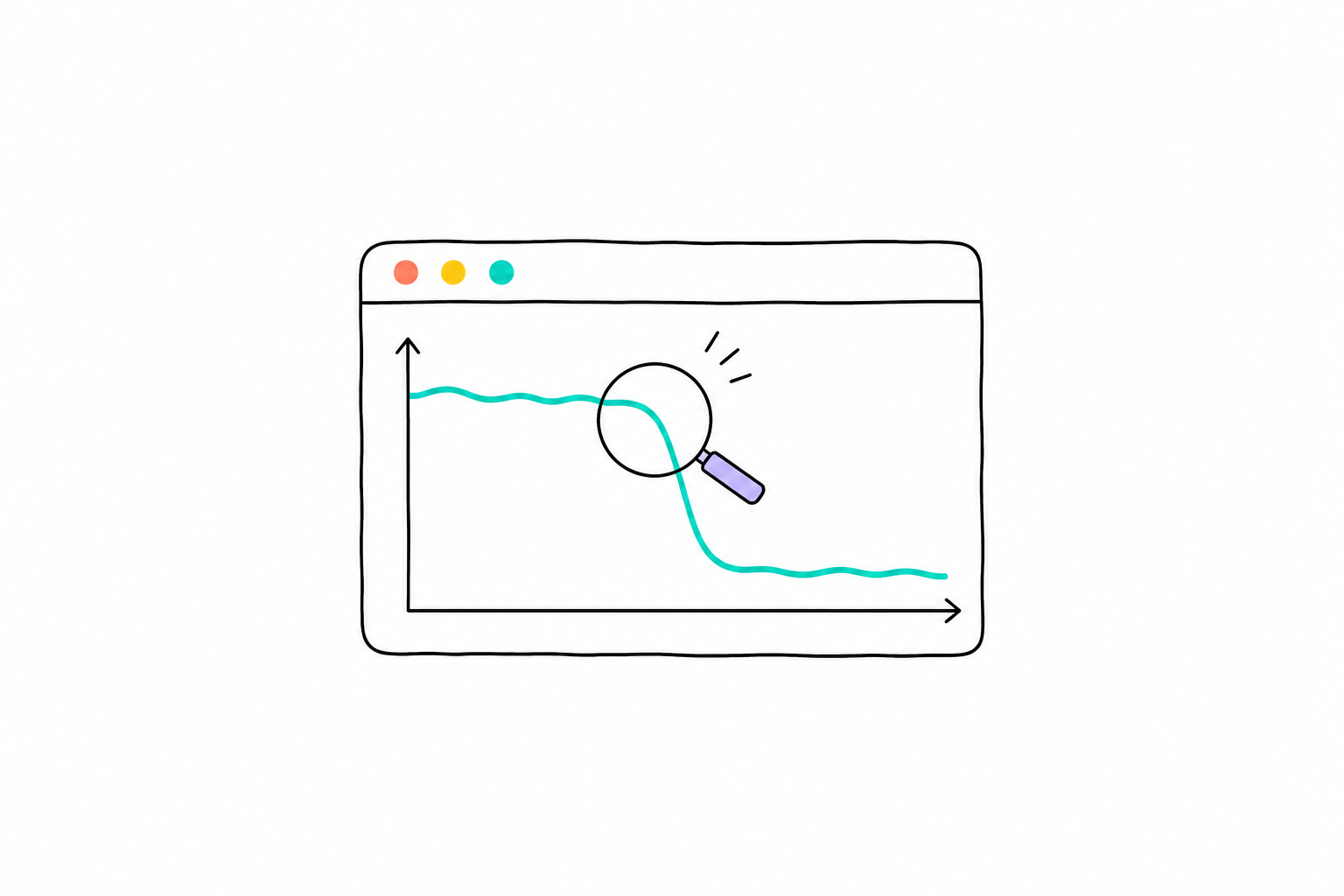
A drop in visits from Google is all the more worrying when nothing seems to have changed on the website. Yet very different causes, from a measurement error to a Google update, produce the same curve. Changing your pages at random may make worse a drop that would have faded on its own.
Seven causes produce this curve: a skewed measurement, the season, a penalty, a website outage, a Google update, a change in the results page and pages published in bulk. You rule out the first ones in a few minutes in your tools, while the last ones take several weeks of observation to confirm.
Recognize a drop in visits from Google
You get fewer calls, or your analytics show fewer visits from search engines. In Google Search Console, Google’s free tool for website owners, the Performance report shows clicks and impressions falling from a given date. An impression is the display of a link to your website on a results page.
A quieter phone doesn’t prove that your rankings have slipped. In a typical case, a tradesman thinks he has lost his rankings because his phone has stopped ringing. His rankings haven’t moved. His number had changed on half a dozen directories, so the calls were going to someone else.
The report’s average position sometimes improves during the fall, which can mislead an owner. Google only calculates it on the searches where the website still appears1, so it gets better when the website’s worst-ranked pages drop out of the results. After a redesign, Search Console clicks can even rise while your analytics count far fewer visits from search engines: the measurement is at fault.
Check that the drop isn’t a measurement error
Compare Search Console with your analytics
Your analytics tool counts visits from every search engine, while Search Console counts clicks on Google’s results alone. A moderate gap between the two is therefore normal. A tool such as Google Analytics only records a visit if the page contains its code and the browser runs JavaScript2.
When the two curves head in opposite directions, check that the tracking code loads on every page template, not just on the homepage. Go back over the settings of the consent banner and the tool’s domain name filters. Compare the same landing pages in both tools. If clicks stay stable in Search Console while visits fall in your analytics, fix visit tracking on the template concerned.
Set aside visits from Discover, the article feed in the Google app: Search Console counts them in a separate report. A drop in Discover shows in your analytics without appearing in the search report. If the measurement is at fault, fix it before concluding that you have lost visits. If both tools show a drop, check whether an incident skewed the data Google collected.
Rule out Google’s data collection incidents
In Search Console Help, on the page “Data anomalies in Search Console”, Google lists the incidents that skewed its reports. From August 13 to 17, 2026, for example, some impressions were missing from the generative AI report. A longer error skewed impressions, click-through rate and average position from May 13, 2025 to April 27, 2026, without affecting clicks3. Over that period, only the click curves can be compared from one year to the next.
Compare full days that fall on the same day of the week. The data for the last few days shown in Search Console is provisional4. If no incident covers the period, compare the drop with the same season of the year before.
Compare the drop with the same season of the year before
Google advises comparing the last three months with the previous period and with the same period of the year before. For a search that accounts for most of the loss, it suggests Google Trends, the tool that shows how much interest people have in a search over the months. If that interest is falling everywhere, your loss comes at least partly from demand5.

If visits are also down compared with the previous year while people’s interest stays stable, open the Manual actions and Security issues reports.
Open the Manual actions and Security issues reports
Google reports a manual action, a penalty decided by one of its reviewers, in the “Manual actions” report of Search Console and in the tool’s messages6. The “Security issues” report, for its part, reports a hack. As soon as one of these reports shows a problem, deal with it before any other check. A penalty or a hack can bring down a whole website on its own. You’ll find the steps to follow in “What should I do when Google has penalized my website?” and “What should I do if my website has been hacked?“.
A website that publishes other people’s files, such as ringtones, images or videos, can receive copyright complaints that Search Console doesn’t show. Google can send a copy of these complaints to the Lumen project, a public database that puts them online. Google can also publish data about them in its Transparency Report7. A large number of valid complaints can push down the other pages of the same website8. So search for your domain name in the Lumen database to find the complaints that target it.
If both reports are empty and no complaint targets the website, look for an outage or a change on the website.
Look for an outage or a website change on the same date
In Search Console, first open the Page indexing report. If the number of non-indexed pages suddenly rises, check whether pages were blocked or deleted by mistake. Crawl stats show host status, meaning whether the server answers Google’s robot.
URL inspection of a few affected pages shows the canonical page Google chose, the version it indexes among similar pages. The appearance reports, for their part, reveal the loss of rich results such as review stars. A link analysis tool sometimes reports a wave of spam links just before the drop. If your rankings haven’t moved and only clicks are falling, these links aren’t the cause.
Finally, write down what changed on the website just before the drop: a redesign, a slower host or an updated plugin that rewrote the robots.txt file. After a redesign, read “How do I redesign my website or change my domain name without losing my SEO?“. If nothing changed, compare the date of the drop with Google’s updates.
Compare the date of the drop with Google’s updates
Google announces its updates on the Google Search Status Dashboard, with their start and end dates. Since 2024, a core update has taken six to forty-five days to roll out9. Practitioners see movement one to two weeks before the announcement and up to two weeks after the announced end, with no published study to confirm it.
A drop that happened during an update isn’t enough to prove the update caused it. Check whether your competitors moved on the same day, with a rank tracking tool or by typing your main searches. If you have other websites, compare their Search Console curve with yours. If no comparable website moved, move on to examining the affected pages, searches and devices.
Isolate the affected pages, searches and devices
In the Performance report, the “Compare” tab puts two periods side by side. Sort the “Pages” tab by click difference: the pages that lost the most come first. Then filter the “Queries” tab on each page to spot the affected searches5. The “Countries” and “Devices” tabs reveal a drop limited to phones or to one country.
Compare the pages that lost with the ones that gained. If the falling pages share a template, a section or shorter texts, look for the cause there. In the same way, compare the last seven and the last twenty-eight days to find out whether the drop is continuing or has stopped. SEO professionals use Search Console to track this trend. The daily readings of rank tracking tools can give an exaggerated impression of the swings.
The chapter “Read your Search Console numbers correctly” shows how to cross impressions, clicks and position to locate the cause of each loss. If a page keeps its ranking and its impressions but loses its clicks, look at the results page.
Look at Google’s results page
Type the main search of an affected page in a private browsing window. Note what shows above your page: a competitor, videos, forums or an AI Overview, the summary Google’s AI writes at the top of the results. In the United States, in July 2026, the first desktop result got 20% of clicks on average, against 9.7% when an AI Overview showed above it10.
On articles that answer a question, an AI Overview can lower the click-through rate without the page losing its ranking. Type your top fifty non-branded searches, the ones that don’t contain the business’s name. Keep a screenshot of each results page, because Google doesn’t always show the Overview for the same search from one day to the next. If rankings and impressions stay stable but the click-through rate falls mainly on searches with an AI Overview, the Overview is probably the cause.
Sort your searches into three groups, information, purchase and brand name: an overall click-through rate mixes opposite trends. SEO professionals also spot visits whose URL contains #:~:text=, a fragment that highlights a passage of the text. According to them, these visits often come from an AI Overview. The generative AI report in Search Console shows which pages Google cites in these summaries, without counting the clicks they get from them11.
If the drop is concentrated on searches with an Overview, move on to the solutions. If it followed the launch of many pages, read the next section.
Recognize a fall that follows bulk publishing
The whole website can slip at once just after dozens of almost identical pages go live, one per city for example. In a typical case, a roof cleaning website publishes 74 pages in one day. Two days later, its main page goes from 12th to 45th place, while four sister websites of the same owner, with no new pages, don’t move.
Since these sister websites didn’t move, the fall more likely comes from the publishing than from a Google update. In the Performance report, then check whether the new pages take impressions from the main page on its search. Note what the publishing changed in the website’s internal links, then move on to the solutions.
Recognize a demotion of the whole website
Every page can lose dozens of places on the same day, at the time of an update aimed at page quality. With no manual action in Search Console, it is probably a demotion of the whole website. Search Google for a sentence from one of your pages in quotes. If it appears on other websites, check who published it first: your page may copy another website, or another website may copy yours.
Google asks, among other things, whether content avoids copying or rewriting its sources12. Count the pages that are only a few lines long, then look at how much room ads take above the text. If such pages exist, move on to removing the pages that add nothing or setting them to noindex. To go further, read “What should I do when Google has penalized my website?“.
Wait for the update to end without changing anything
Google recommends waiting at least one full week after a core update has finished rolling out before analyzing your numbers. It warns against quick fixes13. The reconsideration request, in which you ask Google to lift a manual action once the cause is fixed, only applies to manual actions6: after an update, nothing you ask of Google speeds up the recovery.
Keep a copy of your numbers from before the drop, because Search Console deletes data older than sixteen months14. In October 2026, Gary Illyes, of the Google Search team, gave three to six months as the usual recovery time after a core update. According to one attendee’s account, he counts six months to a year in the slowest cases15.
Fix the measurement or the outage you found
If visit tracking no longer works, restore the tracking code on the page templates concerned, without changing their content. Fix an outage at its source: the blocked page, the forgotten redirect or the server that is too slow. Then inspect the fixed pages to check that Google has crawled them again.
Improve the pages losing traffic
Rework the pages that lost the most by changing one thing at a time: the title, the text or the answer given to the search. Note the date of each change. Keep a few pages untouched as controls: their curve shows how much of the gap is due to the season or to Google. Wait several weeks before judging an edit, or you risk undoing one that hadn’t yet had its effect.
Give your articles what an AI Overview doesn’t show
In our view, an informational article keeps its readers better when it brings an experience, a test, screenshots or a piece of data that a summary doesn’t pick up. Also strengthen the pages that help the reader choose: prices, comparisons and quote requests.
For local customers, take care of your Google Business Profile, from which nearby customers can call you or get directions without going through the website. Finally, a newsletter can bring your readers back without going through Google.
Remove the pages that add nothing or set them to noindex
After bulk publishing, improve or merge the new pages that have no information of their own. Keep the noindex tag, with which you ask search engines not to index a page, for the ones that add nothing. Don’t change anything else on the website in the weeks that follow, or you won’t know which change had an effect.
For a website demoted for the quality of its pages, Google presents deletion as a last resort13. When thin or copied pages number in the thousands, we still find it more realistic to remove them or set them to noindex than to rewrite them. A noindex tag addressed to googlebot only targets Google’s robot16. Bing can keep showing these pages while you rewrite the ones that matter to your customers.
We then advise publishing in small batches: about fifty pages at a time or, on a very large website, one section with its own sitemap. Track discovered, crawled and indexed URLs separately, then compare a few excluded pages with indexed pages before going further. Keep the sitemap submitted in Search Console, because it helps Google discover pages, without guaranteeing anything. Add to each page a piece of information specific to the city concerned and links to your pages about neighboring towns.
Start over on a new domain as a last resort
After a drop that lasts despite the fixes, some practitioners advise changing domain names. Without redirects, the website loses its links, its history and the reputation of its old name. According to the same practitioners, Google may carry the problem over to the new domain when every page is redirected there.
We keep this solution for a website whose fixes have achieved nothing after several Google updates. The page “What should I do when Google has penalized my website?” sets out its risks in detail.
Guide chapters to read next
- Read your Search Console numbers correctly: average position, hidden searches and crossing impressions, clicks and position.
- Maintain your SEO: the change log and Google’s core updates.
- Measure your SEO results: the gap between your analytics and Search Console.
- SEO and Google’s AI: the effect of AI Overviews on clicks.
- Audit your website’s content: improve, merge or remove a page.
- Fix technical SEO problems: the outages for which Google removes pages from its index.
- The page What should I do when Google has penalized my website?, for a manual action or a demotion.
- The page What should I do if my website has been hacked?, for a security issue.
- The page How do I redesign my website or change my domain name without losing my SEO?, for a drop that follows a redesign.
- The page Why are my rankings going up but not my traffic?, when your rankings rise without the clicks.
Sources
- ↑ Google, “What are impressions, position, and clicks?“, Search Console Help, section on position, accessed November 16, 2026.
- ↑ Google, “Search Console reports“, Google Analytics Help, accessed November 12, 2026.
- ↑ Google, “Data anomalies in Search Console“, Search Console Help, entries of April 3, 2026 (impressions from May 13, 2025 to April 27, 2026) and August 13 to 17, 2026, accessed November 16, 2026.
- ↑ Google, “Performance report (Search results)“, Search Console Help, accessed November 16, 2026.
- ↑ Google, “Debugging drops in Google Search traffic“, Google Search Central, accessed November 17, 2026.
- ↑ Google, “Manual Actions report“, Search Console Help, accessed November 17, 2026.
- ↑ Google, “Report content for legal reasons“, Google Help, legal requests, accessed November 17, 2026.
- ↑ Google, “Spam policies for Google web search“, Google Search Central, section on other demotion signals (legal removals), accessed November 17, 2026.
- ↑ Google, “History for Ranking“, Google Search Status Dashboard, accessed November 12, 2026.
- ↑ Advanced Web Ranking, “Google Organic CTR History“, data for July 2026, Google United States, desktop, more than 1.75 million results pages per month, accessed November 16, 2026.
- ↑ Google, “Generative AI performance report (Search)“, Search Console Help, accessed November 16, 2026.
- ↑ Google, “Creating helpful, reliable, people-first content“, Google Search Central, question on copying and rewriting sources, accessed November 17, 2026.
- ↑ Google, “Google Search’s core updates and your website“, Google Search Central, accessed November 12, 2026.
- ↑ Google, “Introducing the new Search Console“, Google Search Central Blog, January 8, 2018.
- ↑ Matt G. Southern, “Google Shows How Long Crawling, Indexing & Recovery Can Take“, Search Engine Journal, October 4, 2026, based on the account of John Campbell, who attended Gary Illyes’s talk in Barcelona on October 2, 2026 (slides not published by Google, sample not specified).
- ↑ Google, “Robots meta tag, data-nosnippet, and X-Robots-Tag specifications“, Google Search Central, section on the tag name reserved for one robot, accessed November 17, 2026.
- ↑ Google, “Indexing API Quickstart“, Google Search Central, accessed November 17, 2026.