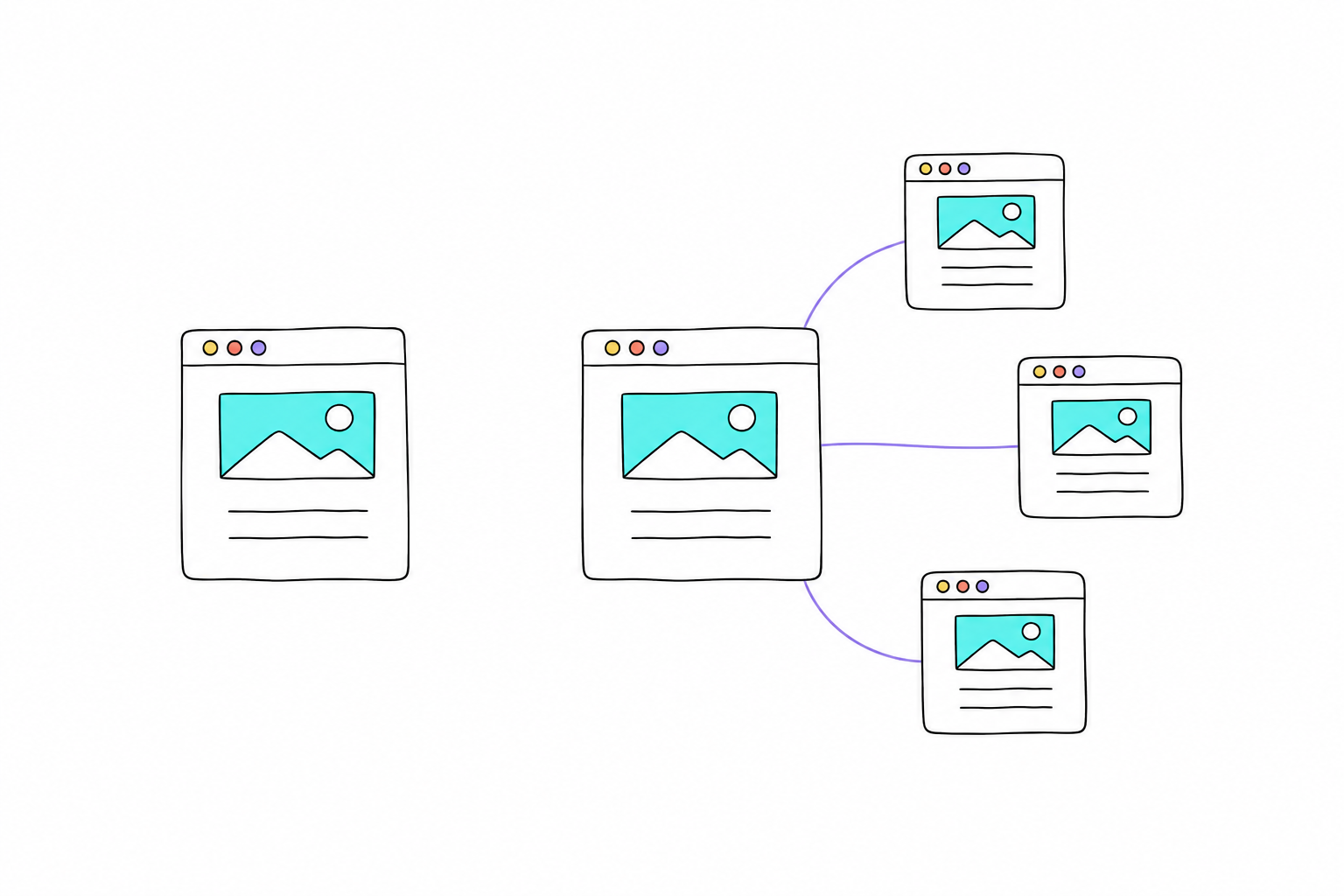
To assess a page, Google looks at whether other well-known websites publish a link to it1. Your competitors get dozens of these links while you only have two or three. Sellers offer to sell you some, a practice Google forbids. Before answering them, you can find your first links among those who already have a reason to cite you.
If your website gets few links, ask yourself whether you have approached your partners and published content that others could cite. First look for the websites that link to your competitors and their reasons for doing so. Then spot your mentions without a link, then the pages of your website to put forward.
Recognize a website that lacks links
In Google Search Console, Google’s free tool for website owners, the “Links” report shows the “Top linking sites” that link to your website. Google warns that this report doesn’t contain all of the website’s links2. You lack links when this table shows only a few websites, often directories, while competitors of your size are cited by dozens of websites.

A referring domain is a website that publishes at least one link to yours. Their number varies with the tool you use. In a typical case, three tools count 6,600, 518 and 650 of them respectively for the same website. So compare your website with your competitors in the same tool, never from one tool to another.
Check where to find your first links
Note who cites your competitors and why
Choose three competitors of your size and in your region, the ones that come out ahead of you on your main searches. A link tool such as Ahrefs or Semrush, mostly paid, lists the websites that cite them. Failing that, type each competitor’s name into Google in quotes, followed by -site: and its domain. You’ll find the pages that name it outside its own website.
Sort the websites by type: suppliers, local media, associations, customers, trade federations and business directories. If these websites have the same reason to cite you, note them as leads. If the competitors owe their links only to link sellers, move on to your mentions without a link.

Look for mentions of your business without a link
Type your business name into Google in quotes, followed by -site: and your domain, such as "Example Joinery" -site:joinery-example.com. You’ll find the pages that name you without necessarily publishing a link: a press article, a partner’s page, a trade show report.
According to practitioners, a mention without a link has less effect on SEO than a link. No study cited measures this gap. According to them, it can still help Google connect your name to your trade and your city, especially if the name is unique: a mention of “Wood Shop” gets confused with dozens of others. If you find mentions without a link, note the author of each one. Otherwise, move on to your own pages.
Choose the pages to put forward to other websites
A supplier is more likely to cite a job done with its products than your homepage. A journalist will look for a piece of data only you publish. For each website to contact, pick the page of your website that might interest it.
If no page fits, the first task is to publish one: figures from your business, a local guide or a small tool. Otherwise, you can move on to the requests.
Get links, starting with the safest method
Ask your real partners for a link
Your suppliers, your business customers, your trade federation or your town hall have a reason to cite you. Google’s policies target links created mainly to manipulate rankings, including excessive link exchanges and partner pages created for that sole purpose3. We believe that a link between two businesses that work together doesn’t fall into that case. Write to someone you know and remind them of what you have done together. Give them the exact URL of the page to cite and let them choose the words of the link.
Turn each mention without a link into a link
Write to the author of each mention you found: thank them and ask them to add the URL of the page of your website they talk about. This request probably has a better chance of success than the others, because the author cited you of their own accord.
Offer your page in place of a broken link
A website in your trade or your city sometimes cites a vanished page on your topic. Point out this dead link to its author and offer your page instead. You do them a favor before asking for a link, which improves your chances of a reply. A crawling program or a browser extension spots a page’s broken links.
Publish a resource others want to cite
Google says its systems try to put original content ahead of the pages that repeat it4. Figures from your jobs, a guide to the paperwork in your city or a small calculation tool can give a journalist a reason to cite you. Then send it to the people who write about your topic, so they know it exists.
Write a guest article that informs
Google accepts a guest article when it informs the readers of the website that hosts it. It considers the practice spam if the main goal is to spread links on a large scale. This includes links stuffed with keywords and identical articles published on many websites5. So write for a website your customers read, on a topic you know. Let the publisher choose the words of the link.
Pay for a link marked sponsored
Google allows a paid link for an ad or a sponsorship, as long as its code contains the attribute rel="sponsored" or rel="nofollow"3. The link from a paid directory, a trade show where you rent a booth or a club you sponsor falls into this case. Since 2019, Google treats these attributes as hints and decides for itself whether to take the link into account6. Such a link can bring you visitors, with no guaranteed effect on your ranking.
Know the forbidden methods and their risks
The following three methods break Google’s policies3. They can still lift a website, sometimes for months, because Google only penalizes what it detects. If you use them, you do so at your own risk.
A chain link exchange (A cites B, B cites C and C cites A) hides the reciprocity a direct exchange makes visible. According to the practitioners who use them, these setups work well and are hard to spot. You have to check that each website keeps its link: if a single one removes it, the exchange breaks down.
A link bought without an attribute goes unnoticed as long as Google doesn’t detect the sale. SEO professionals still believe that Google often ignores a link bought from a website that sells links on all its pages and on every topic.
Creating several websites to publish links to your main website takes an extra budget for domain names, hosting and texts. Take a typical case: a shop owner sets up two websites close to his own to link to it. If they look alike, Google may show only one of them: the shop owner then pays for three hosting plans for a single visible website. If they exist only for these links, Google may treat them as link spam.
Guide chapters to read next
- Get other websites to link to yours, for the list of those who know you and a request template.
- Choose your link building methods by their risk, for the details of each method and its risks.
- Show up on Google in your local area, because links also affect the ranking of your Business Profile.
- Build an SEO strategy, to read the scores of link tools.
- The page How do I move a page from Google’s second page to the first?, to choose the pages that benefit most from a link.
- The page What should I do when Google has penalized my website?, in case of a manual action.
Sources
- ↑ Google, “Ranking results“, How Search Works, accessed November 12, 2026.
- ↑ Google, “Links report“, Search Console Help, accessed November 12, 2026.
- ↑ Google, “Spam policies for Google web search“, Google Search Central, updated August 31, 2026, accessed November 12, 2026.
- ↑ Google, “A guide to Google Search ranking systems“, Google Search Central, sections on link analysis and PageRank and on original content, accessed November 16, 2026.
- ↑ Google Webspam Team, “A reminder about links in large-scale article campaigns“, Google Search Central Blog, May 25, 2017.
- ↑ Danny Sullivan and Gary Illyes, “Evolving “nofollow”: new ways to identify the nature of links“, Google Search Central Blog, September 10, 2019.
- ↑ Google, “Manual Actions report“, Search Console Help, accessed November 12, 2026.